Browse topics
Team Roles and Permissions
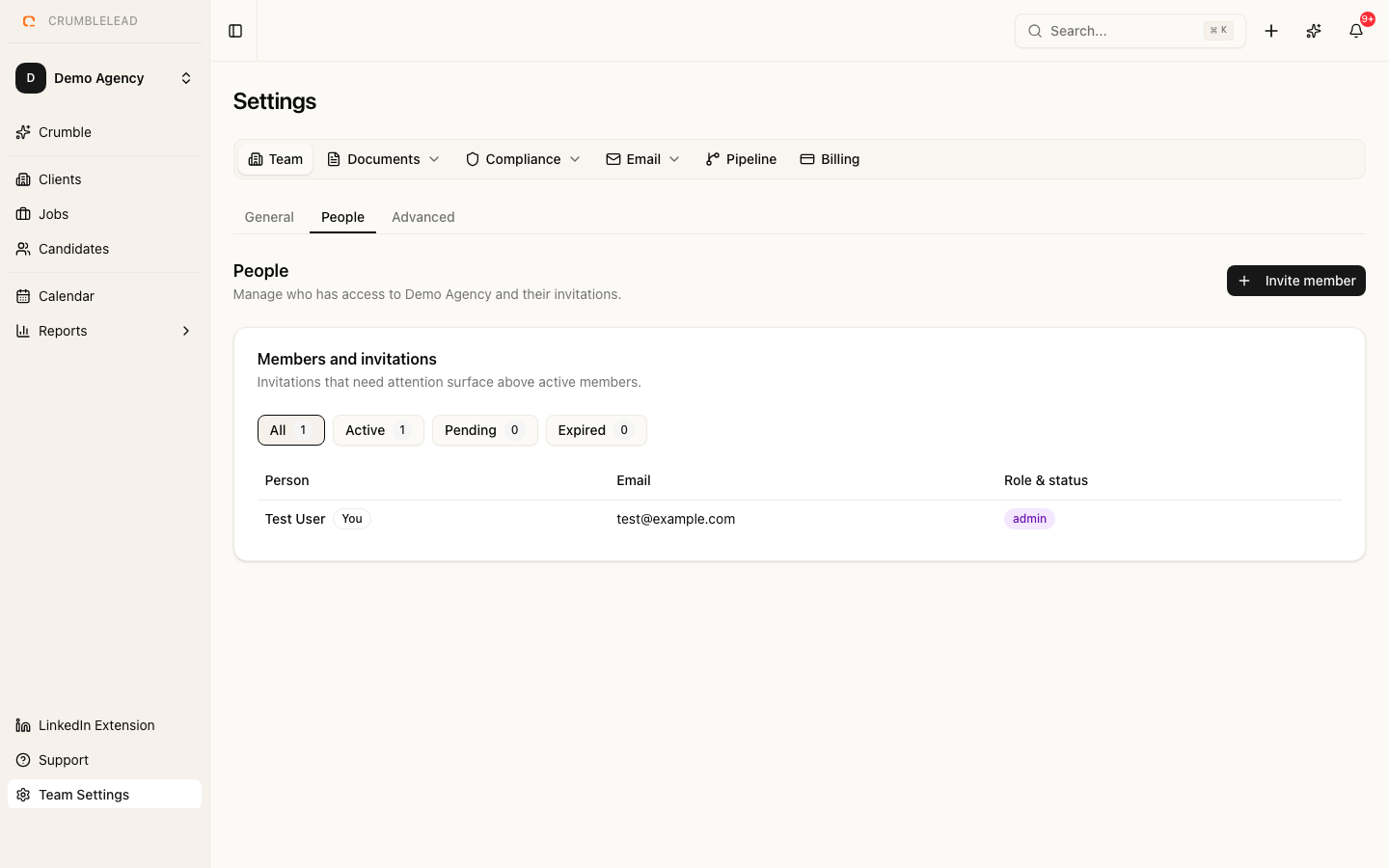
Role overview
Crumblelead uses a simple role-based permission system. Each team member is assigned one of three roles that determines what they can see and do. Permissions are checked on every request, not just hidden in the interface.
Admin
Admins have full access to everything:
- All candidate, client, job, and placement data, including confidential and private records
- Team settings, pipeline stages, CV branding, currency, and privacy settings
- Billing and subscription
- Invite and remove team members, and change their roles
- Request a full export of the workspace data
The person who creates a team is automatically an Admin. We recommend having at least two Admins in case one is unavailable.
Manager
Managers can do everything Admins can, except team settings, billing, and managing people:
- See, edit, and delete any job, candidate, and client, including confidential ones
- Record and manage placements and fees
- View team reports and every consultant's performance
- Generate subject access request exports for candidates
Consultant
Consultants do the day-to-day recruiting:
- Add candidates, clients, and jobs
- Edit candidates they added, jobs they own or collaborate on as an editor, and clients they own or are assigned to
- Send emails, move candidates through pipelines, and use talent pools
- See their own personal report
Consultants do not see confidential jobs or clients unless they are assigned to them, and they cannot manage placements, view team reports, or change settings. This is the right role for most recruiters on your team.
Private clients
A client marked private is only visible to its owner, the team members assigned to it, and Admins.