Browse topics
Jobs & Pipelines
Recording Placements and Tracking Revenue
Recording a placement
When a candidate accepts an offer, record a placement against the job. Admins and managers can record placements. The details are:
- Placement date and start date
- Status (see below)
- Fee, in any currency. If it differs from your reporting currency, enter the exchange rate, and an admin can save that rate for the team.
- Credit split: share the fee between consultants by percentage. The consultant assigned to the job gets 100% by default.
- Invoiced: tick it once you have invoiced the client
- Package and benefits and notes
When you record a placement, your teammates are notified.
Placement statuses
- Placed - The offer is accepted
- Active - The candidate is in the role
- Completed - The placement finished successfully
- Cancelled - It fell through before the start
- Fell off - It ended after the candidate started; record the date it fell off
Placed, Active and Completed count as won placements in your revenue. Cancelled and Fell off count as fall-offs on the date they happened.
Tracking revenue
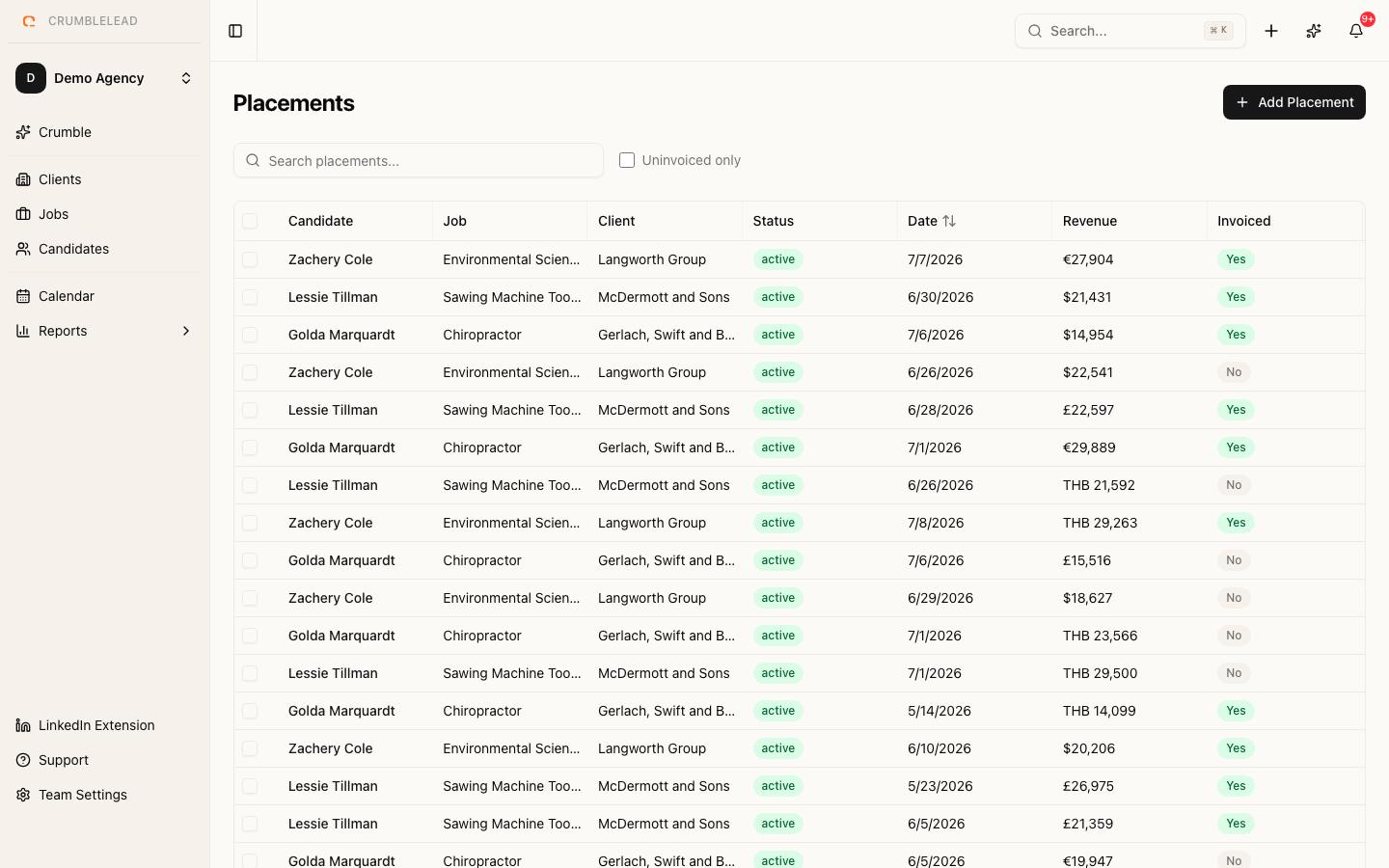
Placement fees flow into your reports, credited to consultants by each placement's split. Use the Placements page to filter by status, by whether a placement is invoiced, and by date. Crumblelead does not raise invoices: the invoiced flag records that you have invoiced the client in your own accounting software. See Reports and revenue tracking.